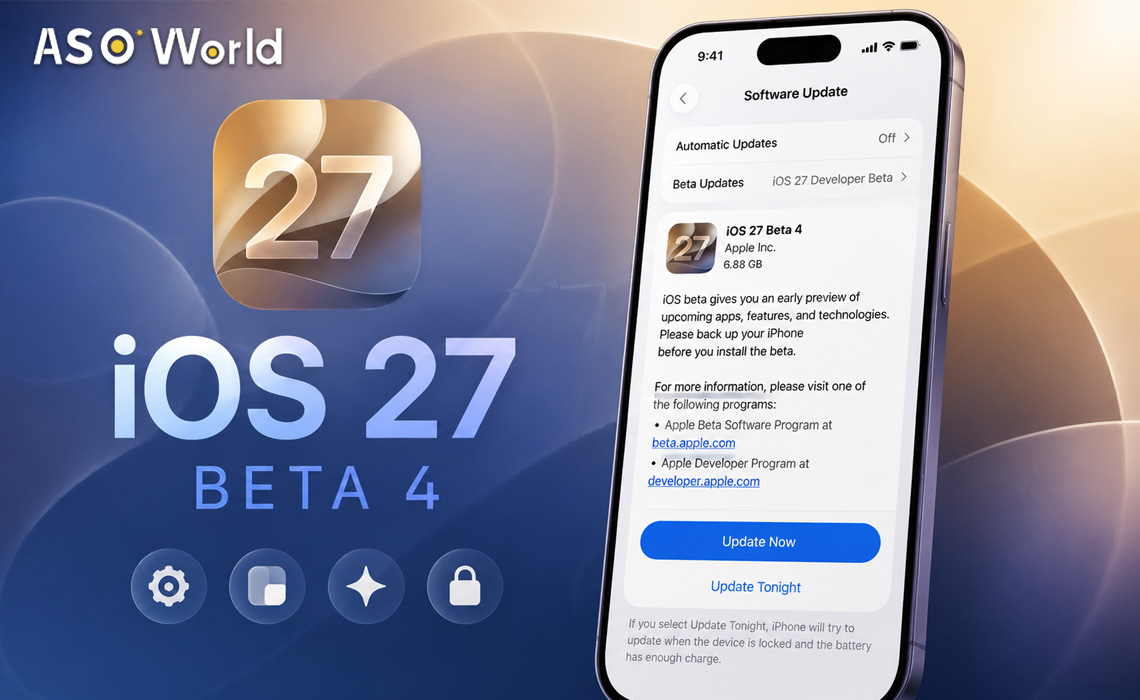

Apple has released iOS 27 beta 4 to developers, pushing its next major iPhone update into a more refinement-focused stage after WWDC. The update is now available through Apple’s developer beta channel, alongside new beta builds for iPadOS 27, macOS 27, watchOS 27, tvOS 27, and visionOS 27.
According to Apple’s official developer release listing, iOS 27.0 beta 4 carries build 24A5390f. The release arrives as Apple continues testing a software cycle centered on Siri AI, Apple Intelligence, Liquid Glass interface refinements, performance improvements, and safety features.
For developers, beta 4 is less about a single headline feature and more about a practical checkpoint: it is the point where app teams should begin validating compatibility, UI behavior, AI-related workflows, and App Store readiness before the broader fall rollout.
iOS 27 Beta 4: Key Details
- Release date: July 20, 2026
- Availability: Developer beta testers
- Official build: iOS 27.0 beta 4, 24A5390f
- Install path: Settings > General > Software Update > Beta Updates
- Related releases: iPadOS 27 beta 4, macOS 27 beta 4, watchOS 27 beta 4, tvOS 27 beta 4, visionOS 27 beta 4, and Xcode 27 beta 4
As always, beta software should be installed on secondary devices where possible. Developers should expect battery differences, app compatibility issues, UI regressions, and performance inconsistencies until Apple reaches later release candidates.
What’s New in iOS 27 Beta 4?
Early hands-on reporting from 9to5Mac highlights several visible changes in iOS 27 beta 4, especially around Siri AI and interface polish.
1. Siri AI Gets a New Splash Screen
One of the most noticeable changes is a new Siri AI splash screen that appears when invoking Siri from the Dynamic Island or by swiping down on the Home Screen. This suggests Apple is continuing to refine how it introduces users to the new Siri experience.
For developers, this matters because Siri AI is not just a system feature. If Apple’s new assistant becomes more conversational and context-aware, users may increasingly expect apps to support clearer intents, better searchable content, and deeper system integration.
2. Enhanced Siri Voices Continue to Improve
Beta 4 also appears to advance Siri voice customization. Two enhanced voices reportedly support pace and expressivity adjustments, while several legacy voices still show those controls as coming soon.
This is a small but meaningful sign that Apple is polishing the human-facing layer of Siri AI. For accessibility-focused apps, voice-driven workflows, and hands-free user journeys, these changes are worth monitoring throughout the beta cycle.
3. Liquid Glass Receives More Refinement
iOS 27’s Liquid Glass design language remains one of the biggest visual updates in this cycle. Reports from MacRumors note that iOS 27 includes improvements to Liquid Glass, including transparency controls and broader interface tuning.
Beta 4 appears to continue this refinement work. Developers should pay special attention to readability, contrast, custom UI components, modal overlays, tab bars, and any screens that use blurred or translucent backgrounds.
4. A Beta 3 Depth Effect Bug Has Been Fixed
9to5Mac also notes that beta 4 fixes a depth effect issue introduced in beta 3. While this may sound minor, it reinforces the current direction of the iOS 27 beta cycle: Apple is tightening visual behavior and resolving regressions as the public release window approaches.
Why Beta 4 Matters More Than It Looks
Beta 4 is typically where the iOS testing cycle begins shifting from early exploration to practical validation. The first betas are often about discovering new features. By beta 4, developers should start asking more operational questions:
- Does the app launch reliably across supported iPhone models?
- Do custom UI elements still look correct under Liquid Glass?
- Are sign-in, purchase, notification, and deep-link flows stable?
- Do widgets, Live Activities, shortcuts, and Siri-related features behave as expected?
- Are there any App Store listing updates needed before iOS 27 reaches mainstream users?
Macworld describes iOS 27 as an update focused on Apple Intelligence, Siri, performance, refinement, and safety features. That framing is important: even if beta 4 does not introduce a long list of new user-facing tools, it may still affect how apps feel, perform, and appear inside Apple’s updated system environment.
Developer Testing Checklist for iOS 27 Beta 4
UI and Design
- Review screens with blur, transparency, shadows, and layered navigation.
- Check dark mode and light mode contrast under Liquid Glass-style system changes.
- Validate icons, widgets, and in-app promotional visuals against new system aesthetics.
Performance
- Test launch speed, scrolling, animations, and keyboard responsiveness.
- Monitor memory usage on older supported devices.
- Compare battery behavior against iOS 26 baseline devices where possible.
AI and Siri Readiness
- Review App Intents, Shortcuts, Spotlight indexing, and deep links.
- Make sure key app content is structured and discoverable.
- Prepare for more users interacting with apps through AI-assisted search and voice flows.
Compatibility and Store Readiness
- Test subscriptions, in-app purchases, onboarding, and account flows.
- Audit crash logs from beta users if your app is already distributed through TestFlight.
- Prepare screenshots and metadata updates if iOS 27 changes your app’s visual presentation.
Public Beta Timing: What to Expect
Apple’s developer beta release is usually followed by public beta availability once a build is considered stable enough for broader testing. Macworld notes that public beta testers often receive access around the third or fourth beta stage, depending on Apple’s release schedule.
For general users, the safer path remains Apple’s public beta program rather than early developer builds. For developers and growth teams, however, beta 4 is already useful for preparing app updates, identifying visual issues, and planning marketing assets ahead of the fall release.
The Bigger iOS 27 Picture
Across reports from Apple-focused outlets, iOS 27 is shaping up around several core themes:
- Siri AI: A more capable assistant with deeper system context.
- Apple Intelligence: Expanded AI features across system apps and workflows.
- Liquid Glass: A refreshed visual style with transparency and interface refinements.
- Performance: Faster app launches, smoother transitions, and better system responsiveness.
- Safety: New parental controls and trust-focused features.
AppleInsider also notes that Apple released fourth beta builds across its broader software ecosystem, meaning developers should test cross-platform behavior if their apps support iPad, Mac, Apple Watch, Apple TV, or Vision Pro.
FAQ: iOS 27 Beta 4
Is iOS 27 beta 4 available now?
Yes. iOS 27 beta 4 is available to registered developer beta testers through the Software Update section in Settings.
What is the official iOS 27 beta 4 build number?
Apple’s developer release page lists iOS 27.0 beta 4 as build 24A5390f.
Should developers install iOS 27 beta 4?
Developers should test iOS 27 beta 4 on secondary devices or dedicated test hardware. It is useful for compatibility testing, but it may still include bugs and performance issues.
What should app marketers watch in iOS 27?
App marketers should monitor App Store changes, Siri AI-driven discovery, visual updates that affect screenshots, and any system-level shifts that influence conversion rates or keyword strategy.
Bottom Line
iOS 27 beta 4 may not be the flashiest update of the cycle, but it is an important milestone. Siri AI is becoming more visible, Liquid Glass is being refined, and Apple is moving from early feature rollout toward system polish.
For iOS developers and app marketers, now is the time to test, document, and prepare. The apps that adapt early to iOS 27’s AI, interface, and App Store environment will be better positioned when the update reaches mainstream users later this year.

 Follow Us on Facebook