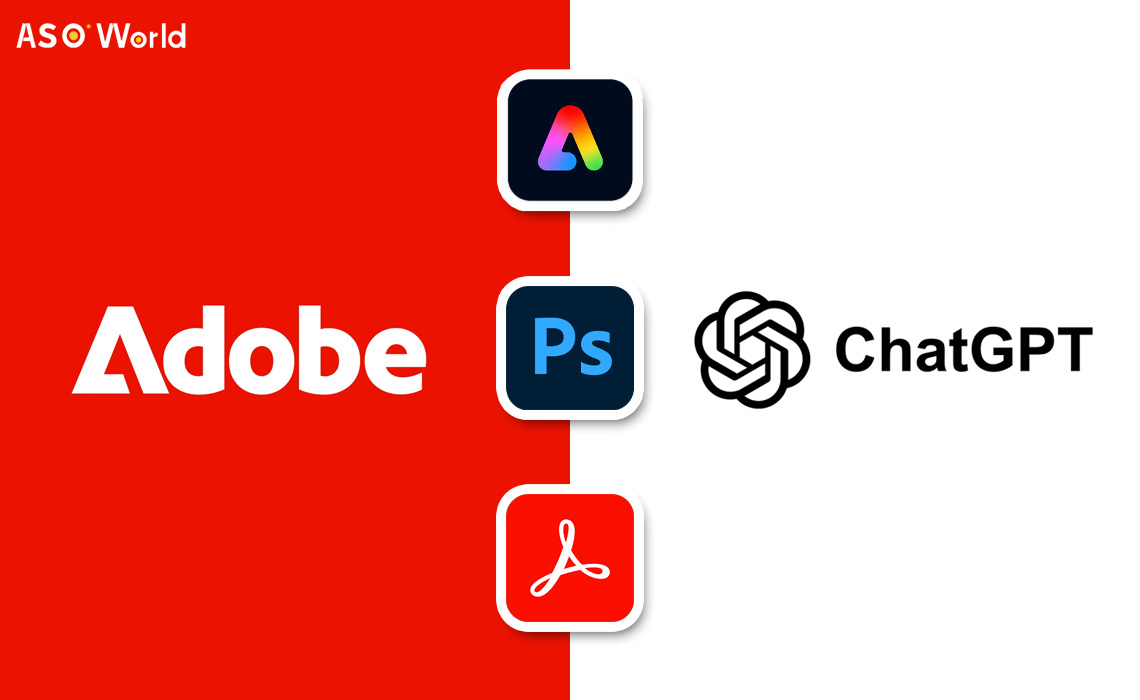

On December 10, OpenAI and Adobe revealed a collaboration that embeds key creative and productivity tools directly into ChatGPT, allowing natural language commands for tasks like image editing and document handling without switching apps.
Announcement Details and Background
OpenAI's Apps SDK, introduced in October 2025, now powers a deeper integration of Adobe's applications into ChatGPT. The move builds on earlier third-party tool rollouts such as Canva and Spotify.
For Adobe, the integration opens access to more than 800 million weekly ChatGPT users. For OpenAI, it strengthens ChatGPT's role as an all-purpose workspace for everyday creative and productivity tasks.
Key Statements from Leaders
Adobe Digital Media President David Wadhwani said the partnership brings Adobe's creative tools into a more accessible, conversational workflow.
Building on that idea, OpenAI CTO Ely Greenfield stressed how users can move smoothly from ChatGPT to full Adobe apps when they need deeper control.
Also, Adobe CTO Scott Cattell noted that conversational interfaces align naturally with Adobe's precision-focused toolset, making the integration a logical step for both companies.
How the Integration Operates
(Credit: Adobe)
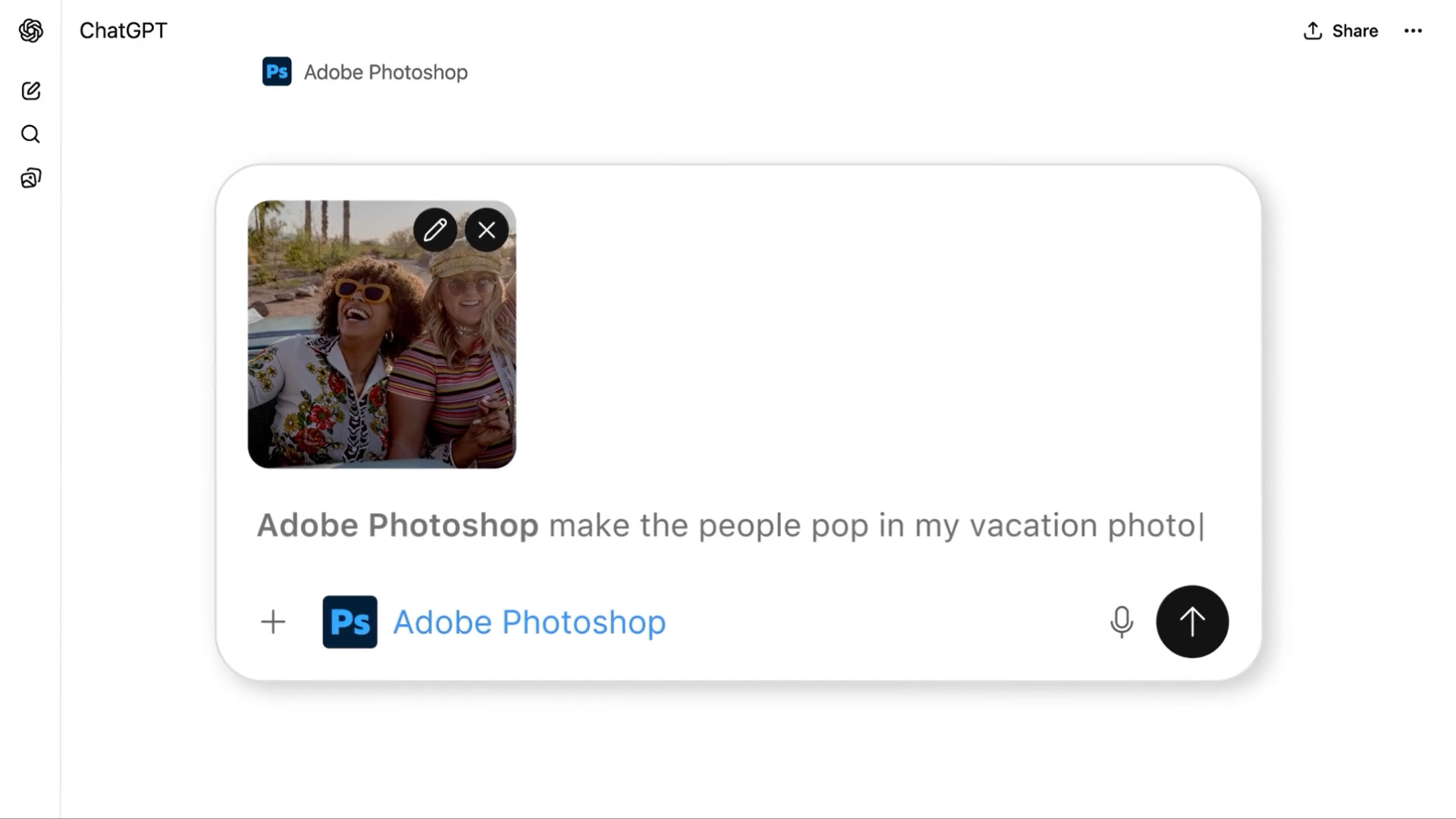
Users can launch Adobe tools by naming them in a prompt or selecting them from ChatGPT's menu. All requests run through the Model Context Protocol for consistency across workloads.
Results appear directly in the chat and can be refined through follow-up instructions, including adjustments to settings or styling.
When a task becomes more advanced, the workflow shifts seamlessly to Adobe's web apps.
The integration supports desktop, web, and iOS for all three tools, while Adobe Express is already available on Android with more platforms coming.
Access to generative features requires an Adobe account, though core functions remain free. Availability in the EU and UK is limited during the phased rollout.
Core Features Across Adobe Apps
The integration taps Adobe's Firefly AI for safe, licensed content generation, differing from OpenAI's models amid legal challenges.
Photoshop Capabilities
Edit images by removing objects, adjusting backgrounds, or applying effects like brightness tweaks through simple prompts.
Adobe Express Tools
Create and animate designs such as posters or social graphics, drawing from templates for quick remixes.
Acrobat Functions
Handle PDFs by merging files, extracting data, redacting info, or summarizing content.
Broader Impacts & User Feedback
For users, this simplifies workflows, cutting app-switching time significantly.
Adobe gains exposure to new audiences, potentially boosting subscriptions amid stock fluctuations. OpenAI strengthens its platform against competitors like Microsoft Office.
On Twitter, reactions mix excitement over efficiency with concerns about limited depth, as partners reserve full features for their own apps. Positive sentiment dominates, with creators praising accessibility.
Editor's Comments
This partnership plays to both sides' strengths: Adobe gets a direct path to ChatGPT's huge audience, and users get creative tools that feel lighter and more immediate. Firefly's cleaner data foundation also gives Adobe an edge as copyright pressure builds.
If the rollout stays smooth, this could push everyday users toward agent-style creation sooner than expected.
More Firefly features and additional partners seem likely in early 2026.
The pace will depend on regional approvals and how comfortable users feel letting these systems handle more of their creative work.
FAQs
1. How to use ChatGPT AI features in Adobe Photoshop?
Access AI-powered editing via ChatGPT prompts in Photoshop. Some generative features require an Adobe account, with regional restrictions applied in the EU and UK.
2. How to integrate AI chat tools with Adobe Express and Acrobat for content creation?
Use ChatGPT to automate design and PDF tasks directly in Adobe Express or Acrobat. Full capabilities may need an Adobe subscription, and rollout schedules vary by region.
3. Which companies offer AI chat integrations in multimedia editing software globally?
OpenAI and Adobe lead with ChatGPT embedded in creative apps, enabling natural language workflows across desktop, web, iOS, and soon Android.
4. Are there free trials or basic access options for AI chat in creative tools?
Yes. Basic ChatGPT features in Adobe apps are free, while advanced AI capabilities require a paid Adobe plan. Availability may differ regionally.
5. How do AI chat integrations boost productivity for designers?
AI assistants handle image edits, document processing, and design suggestions, reducing app-switching and accelerating creative workflows.
6. Can creative professionals customize AI chat workflows in Adobe apps across different regions?
Yes. Prompts, templates, and automation workflows can be tailored, though advanced functions may redirect users to full Adobe web apps.
7. What security and compliance measures apply to AI chat features in EU and UK creative suites?
Integrations follow Adobe Firefly licensing and ethical content guidelines. Certain generative features are restricted to comply with local regulations.
8. Where to find plugins or extensions connecting AI chat with creative software?
Adobe's Apps SDK enables built-in ChatGPT integration. Additional official plugins are available via Adobe marketplaces, depending on regional availability.
9. How to enable AI chat assistance in photo, video, and design apps?
Activate via ChatGPT menus or prompts. Desktop, web, and mobile support exists, with some region-specific feature limitations.
10. Are enterprise-level AI chat solutions available for creative agencies?
Yes. OpenAI and Adobe provide enterprise subscriptions with team collaboration features, advanced workflow controls, and multi-region support.
11. How to automate text and content generation inside Adobe apps using AI chat?
Use ChatGPT prompts for in-app copywriting, design captions, PDF summaries, and document automation, streamlining repetitive creative tasks.
 Follow Us on Facebook