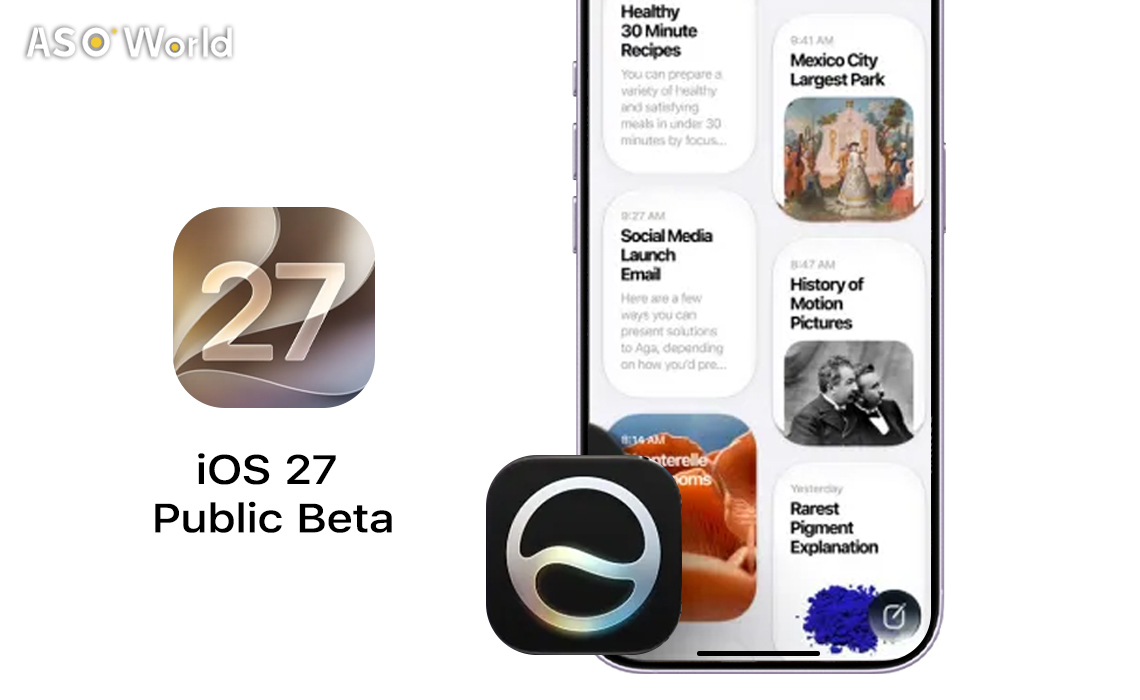

Apple은 WWDC 2026에서 첫 iOS 27 공개 베타가 7월에 출시될 것이라고 확인했으며, 이제 달력이 7월로 넘어가면서 출시 시점이 빠르게 다가오고 있습니다. Apple의 공식 발표와 지난 5년간의 출시일 데이터를 기반으로 볼 때, 공개 베타는 2026년 7월 중순에서 7월 말 사이 — 가장 가능성이 높은 시점은 세 번째 또는 네 번째 개발자 베타가 배포된 이후 — 에 출시될 것으로 예상됩니다.
6월 8일 개발자 베타 공개 이후 지켜보고만 있던 수백만 명의 iPhone 사용자들에게 공개 베타는 개발자 계정 없이 iOS 27을 체험할 수 있는 첫 번째 기회입니다. 출시 시점, 지원 기기, 새로운 기능, 안전한 설치 방법까지 알아야 할 모든 정보를 정리했습니다.
출시일 기록은 7월 중순에서 말 사이를 가리킨다
Apple은 지난 5년간 매우 일관된 공개 베타 출시 일정을 유지해왔습니다. iOS 16부터 iOS 26까지의 첫 공개 베타는 모두 7월 11일부터 7월 24일 사이에 출시되었으며, iOS 27이 이 패턴을 벗어날 이유는 거의 없습니다.
| iOS 버전 | 공개 베타 출시일 | 요일 |
|---|---|---|
| iOS 26 | 2025년 7월 24일 | 목요일 |
| iOS 18 | 2024년 7월 15일 | 월요일 |
| iOS 17 | 2023년 7월 12일 | 수요일 |
| iOS 16 | 2022년 7월 11일 | 월요일 |
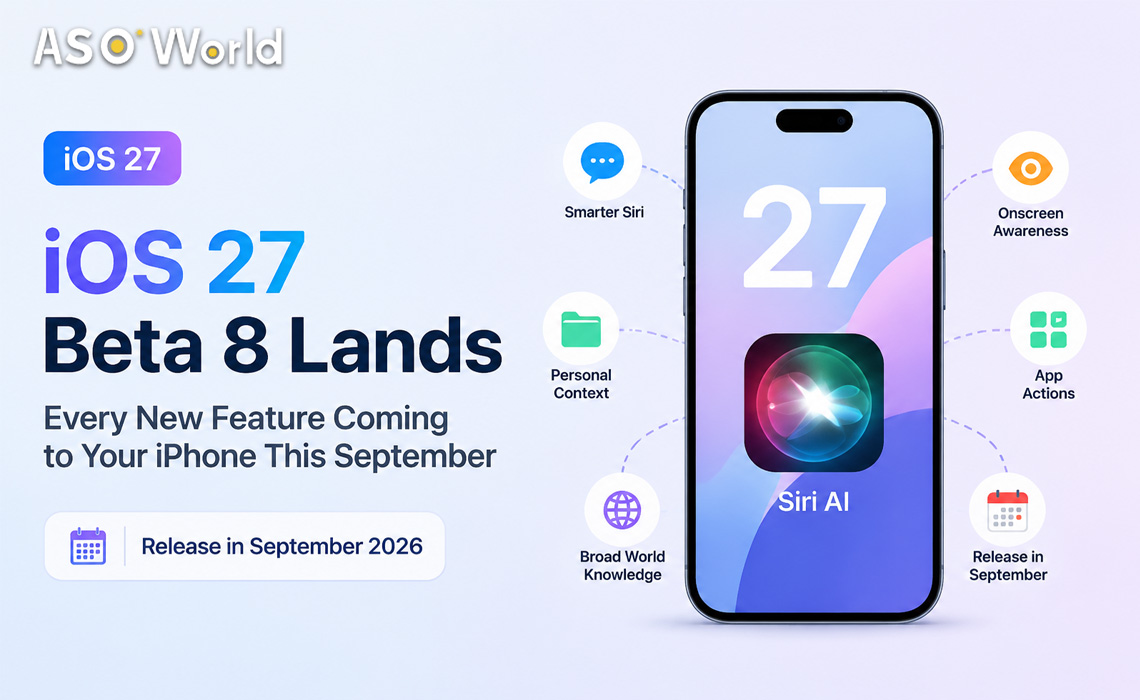
Forbes는 Release Candidate가 9월 초 — 아마도 9월 9일 전후 — 에 도착하고, 정식 공개 버전은 2026년 9월 14일 월요일 또는 그 무렵에 출시될 것으로 전망합니다. 이는 Apple이 예상되는 iPhone 18 라인업과 함께 안정 버전을 출시하기 전에 약 두 달간 베타 테스트를 진행한다는 의미입니다.
어떤 iPhone이 호환되나요?
많은 사람들을 놀라게 한 결정으로, Apple은 iOS 27이 현재 iOS 26을 실행 중인 모든 iPhone — iPhone 11까지 — 을 지원한다고 확인했습니다. 이는 올해는 호환 목록에서 제외되는 기기가 없다는 뜻입니다.
| 기능 등급 | 최소 지원 기기 | 주요 제한 사항 |
|---|---|---|
| iOS 27 (기본 OS) | iPhone 11 / iPhone SE (2세대) | 전체 OS 기능 지원, Apple Intelligence 미지원 |
| Apple Intelligence | iPhone 15 Pro 이상 | Siri AI, 온디바이스 생성형 기능 |
| Siri AI 음성 사용자화 | iPhone 17 Pro / iPhone Air | 속도 및 표현력 조절 기능 |
전체 호환 목록에는 iPhone 11 시리즈, iPhone 12 시리즈, iPhone 13 시리즈, iPhone 14 시리즈, iPhone 15 시리즈, iPhone 16 시리즈, iPhone 17 시리즈, iPhone Air — 그리고 iPhone SE(2세대 이상)가 포함됩니다.
Siri AI가 핵심이지만 — 대기자 명단이 있다
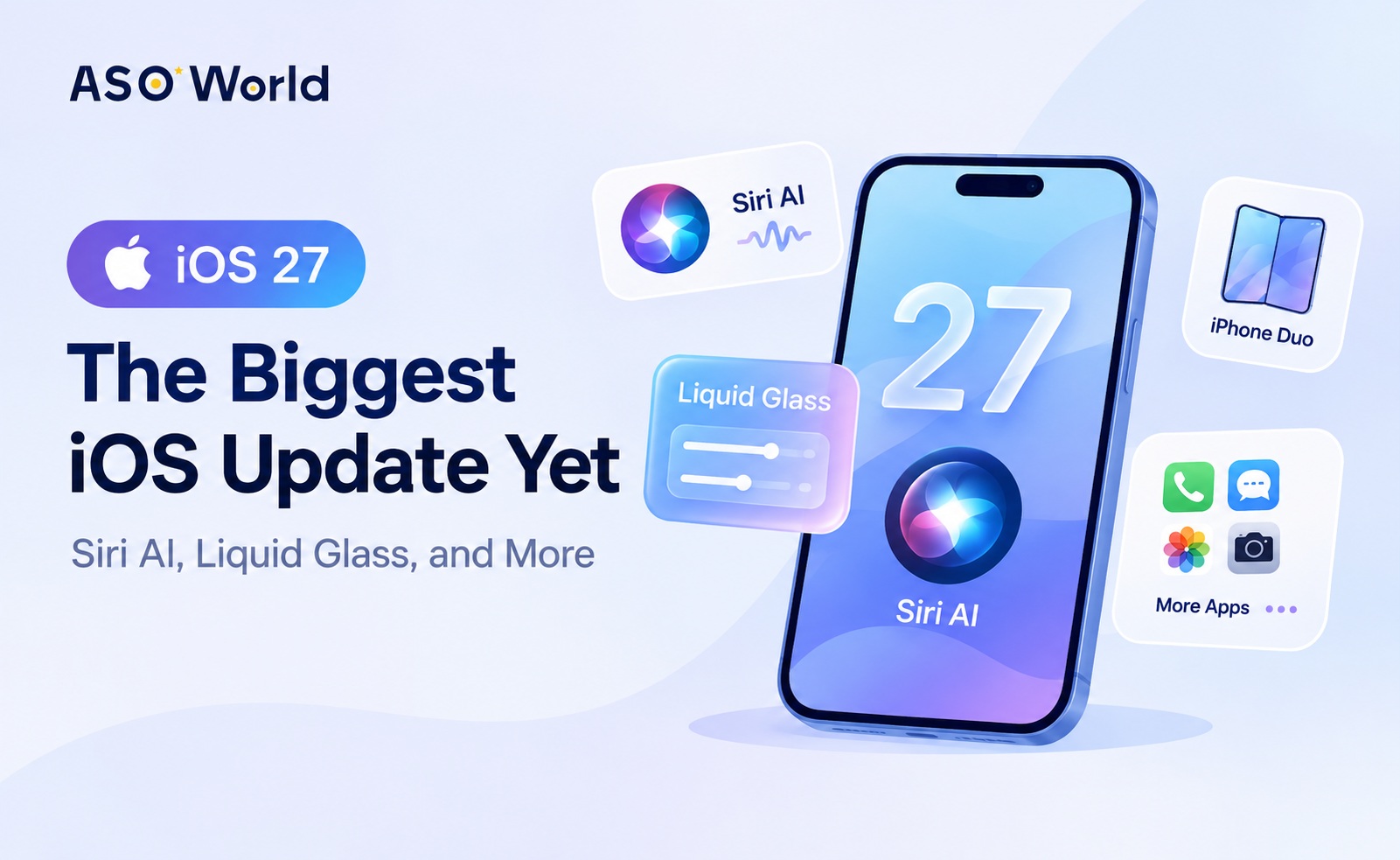
iOS 27의 핵심은 Siri AI로, 개인 맥락, 화면 인식, 웹 지식을 결합해 더 자연스러운 대화와 풍부한 답변을 제공하는 Apple 음성 비서의 근본적인 개편 버전입니다. Apple은 이를 Siri 출시 이후 가장 중요한 변화라고 설명합니다.
Siri AI는 전용 앱을 통해 이전 대화를 다시 확인하고, 중요한 대화를 고정하며, iCloud 동기화를 통해 모든 Apple 기기에서 대화를 이어갈 수 있습니다. Messages, Music, Reminders 같은 앱 내에서 작업을 수행할 수 있으며 — 예를 들어 자연어로 이미 보낸 메시지를 수정하거나 재생목록에 노래를 추가할 수 있습니다. Camera 앱의 새로운 Siri 모드는 렌즈를 통해 보이는 것을 Siri에게 보여주고 그에 대해 질문할 수 있게 합니다.
하지만 한 가지 조건이 있습니다. 새롭게 개편된 Siri는 대기자 명단을 통해서만 이용할 수 있습니다. 참여하려면 iOS 27에서 설정을 열고 Siri를 탭한 뒤 접근 권한을 요청하세요. Apple은 일부 경우 Siri AI와 Siri 앱 접근 권한을 받기까지 몇 주가 걸릴 수 있다고 밝혔습니다. 이러한 단계적 출시는 새로운 비서를 위한 클라우드 인프라 확장에 따른 용량 관리 조치로 보입니다.
Liquid Glass, 성능, 그리고 자녀 보호 기능
Siri 외에도 iOS 27은 iOS 26에서 도입된 Liquid Glass 디자인 언어를 개선했습니다. Apple은 가독성 향상, 더 균일한 굴절 효과, 개선된 대비를 위해 시스템을 업데이트했습니다. 새로운 슬라이더를 통해 초투명에서 완전한 색조 적용까지 외관을 조정할 수 있으며, 업데이트된 아이콘, 툴바, 창 모양이 완성도를 높입니다.
Apple Intelligence는 iOS 27의 핵심 앱 전반으로 확장됩니다. Safari는 탭을 주제별로 자동 그룹화하고 가격 하락과 같은 웹페이지 변경 사항을 모니터링할 수 있습니다. Photos는 Spatial Reframing, 비어 있는 영역을 채우는 Extend 도구, 향상된 Clean Up 기능을 제공합니다. Messages와 Mail은 사용자의 작성 스타일을 모방하는 문맥 인식 스마트 답장을 제공하며, Calendar는 자연어 설명으로 이벤트를 생성할 수 있습니다.
성능 측면에서 Apple은 앱 실행 속도 향상, AirDrop 및 외장 드라이브 전송 속도 개선, 더 강력해진 시스템 전반 검색 인덱스를 통해 정보 검색 속도가 빨라졌다고 밝혔습니다. 또한 OS 전반에서 수십 가지의 일반적인 사용자 불편 사항을 해결했다고 주장합니다.
자녀 보호 기능도 대폭 개편되었습니다. Ask to Browse(웹사이트로 Ask to Buy 모델 확장), 엔터테인먼트·게임·소셜 미디어 카테고리 전반의 Time Allowances, 한눈에 사용 현황을 볼 수 있는 재설계된 Screen Time이 포함됩니다. Apple은 미국소아과학회(American Academy of Pediatrics)와 협력해 Family Media Plan을 조정하고 있습니다.
iOS 27 공개 베타 설치 방법
공개 베타가 제공되면, 호환되는 iPhone을 가진 누구나 다음 단계를 따라 무료로 설치할 수 있습니다:
| 단계 | 조치 |
|---|---|
| 1 | beta.apple.com에서 무료로 가입 |
| 2 | 설정 → 일반 → 소프트웨어 업데이트 → 베타 업데이트 열기 |
| 3 | iOS 27 공개 베타 선택 (표시되지 않으면 iPhone 재시작) |
| 4 | 화면의 안내에 따라 다운로드 및 설치 진행 |
주의 사항: 첫 공개 베타는 일반적으로 첫 개발자 베타보다 안정적이지만, iOS 베타에는 종종 버그와 성능 문제가 포함됩니다. 일부 앱이 제대로 작동하지 않을 수 있으며, CarPlay에도 문제가 발생할 수 있습니다. Apple은 설치 전에 iPhone을 백업할 것을 강력히 권장하며, 가능하다면 보조 기기를 사용할 것을 권장합니다.
앱 개발자에게 의미하는 것
앱 개발 커뮤니티에게 iOS 27 공개 베타는 대규모 실제 환경 테스트의 시작을 의미합니다. Siri AI가 앱 수준 작업과 화면 인식을 도입함에 따라 개발자는 지금 앱의 인텐트와 단축어 통합을 점검해야 합니다 — 새로운 Siri는 Messages, Music, Reminders 같은 앱 내에서 작업을 수행할 수 있으며, 잘 구조화된 인텐트를 제공하는 앱이 확장된 기능의 혜택을 가장 크게 받을 것입니다. 또한 새로운 Shortcuts의 "Describe a Shortcut" 기능은 견고한 URL 스킴과 인텐트 정의를 갖춘 앱이 자연어 자동화를 통해 더 쉽게 발견될 수 있음을 의미합니다.
앱 마케터는 확장된 Apple Intelligence 기능 — 특히 iPhone 17 Pro 이상이 필요한 새로운 Siri 음성 사용자화 기능 — 으로 인해 프리미엄 기기 사용자가 더 풍부한 AI 경험을 누리게 되는 사용자층 분화가 발생한다는 점에 주목해야 합니다. 이는 기능 제공 계획과 ASO 키워드 전략을 수립할 때 고려할 가치가 있습니다.
다음 단계는 무엇인가
7월에 공개 베타가 출시된 이후, Apple은 8월 동안 개발자 및 공개 베타 업데이트를 계속 배포할 예정입니다. 거의 최종 빌드인 Release Candidate는 9월 초에 예상되며, iPhone 18 라인업이 발표될 것으로 보이는 Apple의 가을 키노트와 시기가 겹칠 가능성이 높습니다. iOS 27의 정식 공개 버전은 그로부터 며칠 내, 2026년 9월 14일 전후로 출시될 것으로 전망됩니다.

 Follow Us on Facebook